Mounting the CD / DVD images is one of the most difficult things for a layman windows user, as for mounting an image like ISO, CUE, IMG, BIN and RAW which require a virtual drive. In order to create a virtual drive you will need some emulator drive software, but none of these software will allow you to mount the drive image on mouse double click. Some of the virtual CD emulators have complex user interface too.
WinCDEmu is one such free program which does not have any user interface, and it simply allows you to mount any CD / DVD image with mouse double click.
Following Are Some Of The Key Features Of
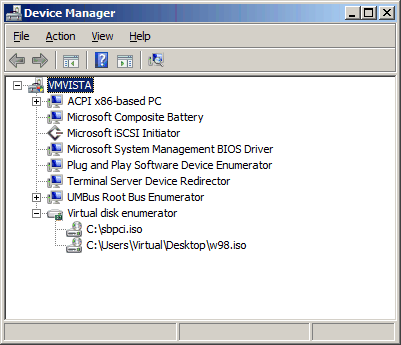
Each mounted image will be shown as a separate virtual CD drive. There is no limit for the number of simultaneously mounted images with this free tool
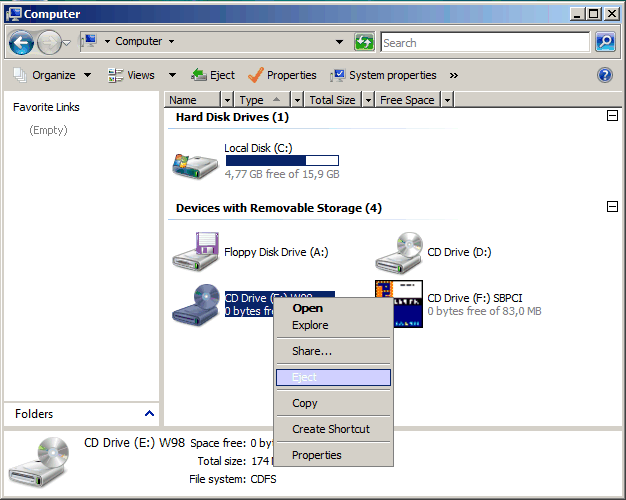
In order to unmount any image, either you can double-click image file, or right click on the virtual drive and select eject using the context menu:
One reply on “WinCDEmu – Mount ISO, CUE, IMG, BIN and RAW Image On Mouse Double Click”
Vlc player can now directly play image files.