Hide&Reveal is a open source free stenography tool which lets you hide any type of data including your files and folders inside the image of BMP, PNG and TIFF format. The program is distributed user GNU General Public License so you can modify the program and distribute it anywhere among your friends too.
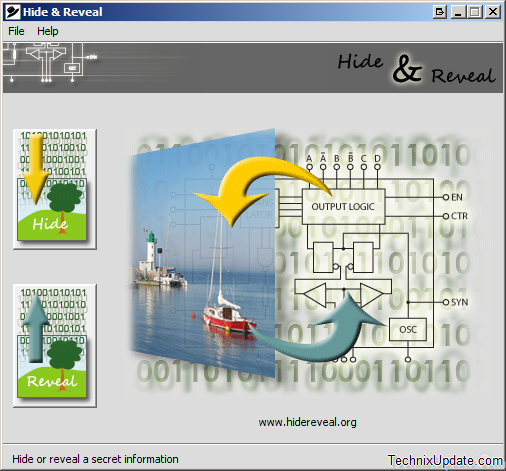
This program is quite simple to use to hide and reveal the data inside images, here is how you can hide or reveal data inside the images with this tool.
Tip: Trick To Hide Files Inside A BMP Image
Hide Data In Images With Hide&Reveal
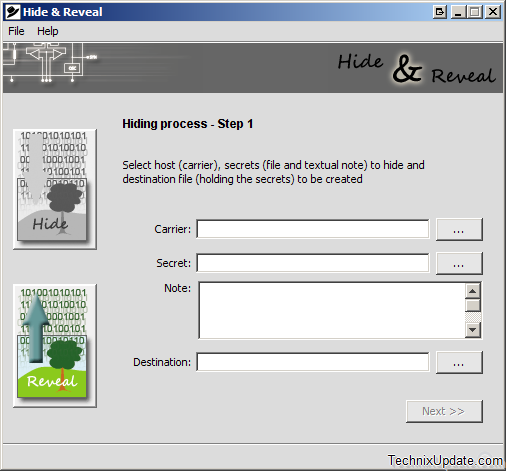
1. Click on the hide button on the main program interface of the window
2. Now locate the carrier file in which you want to hide the data, secret folder or file you want to hide, any note you want to save as info and destination of the new image file generated with hidden data inside. (as shown in the image below)
Reveal Data Inside Images With Hide&Reveal
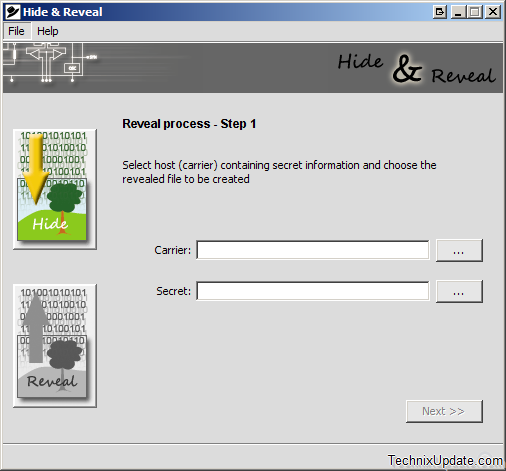
Now, you just need to locate the secret image file containing data and type in the correct password to extract the file contents.
One reply on “Hide Your Data Inside BMP, PNG and TIFF Image File Format”
ДумаетÑÑ, еÑли долго ÑтаратьÑÑ, даже Ñамую Ñложную мыÑль можно так подробно раÑкрыть.