Detect DotNet – Detect & Identify The Version Of .NET Framework Installed On Your Computer

Advertisements

Detect DotNet is a free program which lets your identify the version of .net framework installed on your computer, it will work even if there are multiple versions of .net framework installed on your computer and you will get to know all the versions of .net frameworks on your machine.

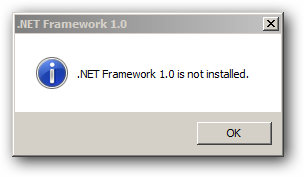
This small utility has no user interface, it has a small program exe which when you double click will show all those versions of .net you have installed and also those versions which are not installed on your computer.

It will display the series of message boxes to display this information, It also identifies the installed service pack level as well which is tested up to .NET Framework 2.0
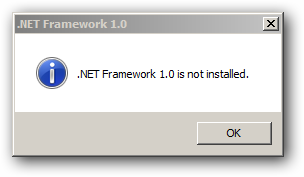
.net-window-1

.net-window-1

.net-2.0

Download Detect DotNet

You can follow us on Twitter or join our Facebook Fan Page for more updates like this and You can also ask a problems related to computers or technology on Ask Technix Update and get your solutions faster.

Other Related Interesting Articles

Author + Admin: Abhishek Bhatnagar
- Professional blogger by passion, Software Enggineer. I love to write about useful computer tips & tricks. Connect with me at twitter or on google+ profile or mail me at abhishek@technixmedia.com or know me more on www.abhishekbhatnagar.com

Leave a Reply