There is a big difference in between the firefox 3 location bar and firefox 2 location bar both in terms of the looks and functionality provided. Just in case if you don’t like the location bar or address bar of firefox 3 and revert it to as there in firefox 2 here is how you can do it.
There is a cool addon called Old Location Bar which makes firefox 3 location bar look and act like firefox 2 location bar
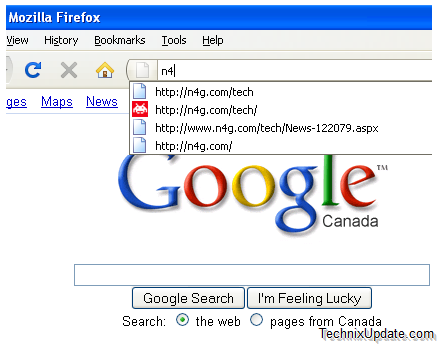
Some other key features provided by old location bar addon are
- URL Bar displays the old way as there in firefox 2.
- Go button always displays in the location bar on the right.
- RSS logo no longer displays in the location bar.
- Favourite button no longer displays in the location bar.
- No longer displays through your Bookmarks as suggestions.
- Only matches what you type, doesn’t guess at all
- Only shows results for URL’s you had visited
- URL Bar turns to Yellow when visiting a "Secure" page in firefox 3.
Note: Old Location Bar is experimental addon and you will need to sign up to firefox community in order to download this addon.